
Download Dark Room – dark room, focus, productivity, calm, mindfulness, meditation, quiet space, concentration
Overview
The mobile application Dark Room is designed as a minimalist tool to support mental clarity and focused work in an increasingly distracted digital environment. Its primary purpose is to create a distraction-free, visually calm space that enhances concentration and promotes mindfulness. By simulating a dark, quiet room, the app helps users enter a state of deep focus, making it particularly useful for tasks requiring sustained attention such as reading, writing, coding, or meditation. The app targets individuals seeking a digital sanctuary—students, remote workers, creatives, and mindfulness practitioners—who need a simple yet effective way to reset their attention and reduce sensory overload.
Although the developer did not provide additional background details, the app’s name and core concept suggest a deliberate design philosophy centered on simplicity and mental well-being. The real-world use cases include using the app during study sessions, pre-sleep mindfulness routines, or as a transition tool between tasks. In the broader app ecosystem, Dark Room fills a niche for utility-focused tools that prioritize user experience over feature bloat. In an era where digital fatigue is common, the app offers a quiet alternative to the constant stream of notifications, pop-ups, and visual clutter typical of mainstream applications.
Key Features & Functionality
- Full-Screen Dark Environment – The app activates a completely black screen, eliminating all visual distractions and reducing screen brightness to the minimum. This helps users shift focus inward and supports eye comfort in low-light settings.
- Customizable Timer Mode – Users can set a session duration to structure their focus intervals. This feature supports techniques like the Pomodoro method, allowing users to work in defined bursts with intentional breaks.
- Background Audio Support – The app allows playback of ambient sounds or guided meditations through external audio sources, enabling users to maintain a peaceful atmosphere without switching apps.
- Minimalist Interface – With no buttons, menus, or navigation elements, the interface is intentionally blank. This design encourages users to engage with the experience rather than the app itself.
For example, a student preparing for exams might use Dark Room to block out visual distractions during reading sessions, while a writer could use it to enter a flow state before drafting a chapter. A mindfulness practitioner may begin their meditation practice by launching the app to signal a transition into a reflective mindset. The lack of interactive elements ensures that the user remains present, making it a powerful tool for mental reset and intentional focus.
Interface, UX & Performance
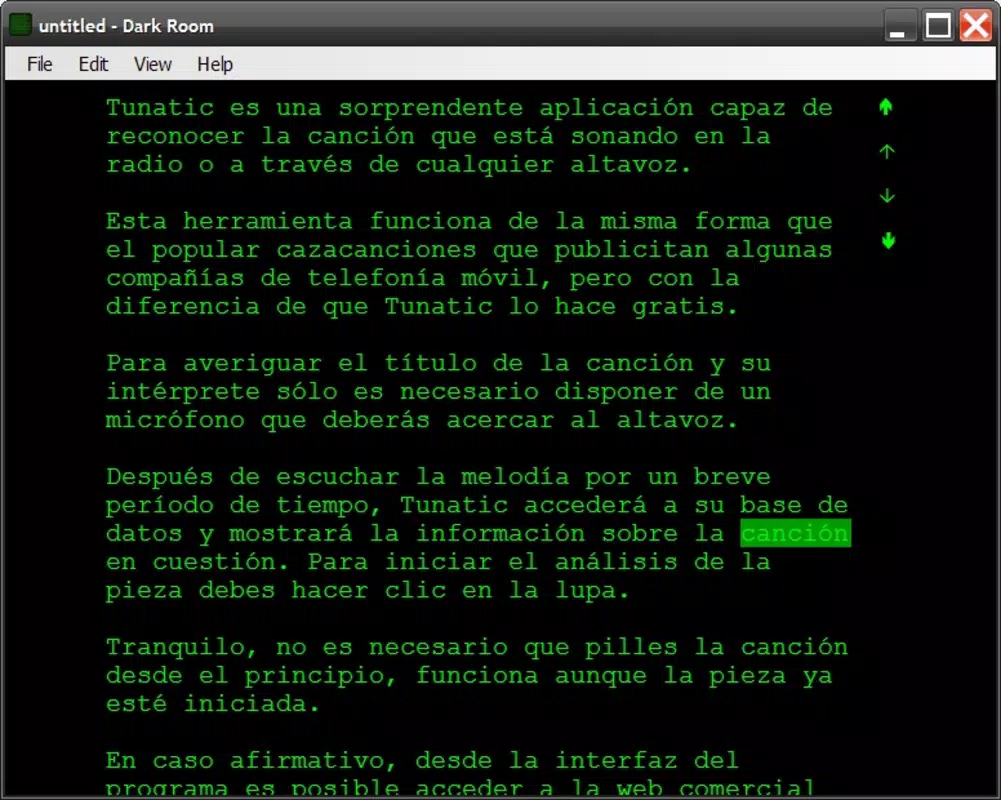
Dark Room features a deliberately minimalist interface, centered around a full-screen black canvas with no visible UI elements. This design choice reflects a philosophy of reducing cognitive load and eliminating unnecessary interactions. Navigation is not required, as the app operates through a single activation state. Users simply open the app and are immediately immersed in the dark environment.
The visual style is consistent with the app’s purpose—pure black, no gradients, no animations, and no text. This aesthetic contributes to a sense of calm and control, especially in low-light conditions. While the developer did not list formal performance metrics, the app’s small file size of 10.2 MB suggests efficient resource usage. Although the developer did not specify minimum OS requirements, the app is designed to run smoothly on a range of Android devices, from entry-level to high-end models.
Responsiveness is expected to be high due to the app’s lightweight nature and lack of complex processing. Stability is likely maintained through minimal codebase and absence of background services. The app does not require internet access, which further supports consistent performance and privacy. Overall, the UX is optimized for ease of use and mental presence, making it ideal for users who value simplicity and intentional design.
Platform Compatibility & Technical Requirements
Dark Room is available exclusively on the Android platform. The current software version is 1.0.1, with a file size of 10.2 MB, indicating a lightweight and efficient installation. The app is offered free of charge, with no in-app purchases or advertisements reported.
The developer did not specify minimum OS requirements or device compatibility details. As such, users should ensure their Android device supports the latest app updates and has sufficient storage space. Compatibility with specific device models or screen resolutions was not disclosed. However, given the app’s minimal design and low resource footprint, it is likely to function across a wide range of Android devices, including older models.
Pros and Cons
Pros
- Extremely lightweight at just 10.2 MB
- Free to download and use with no ads or in-app purchases
- Minimalist design reduces cognitive load and visual distractions
- Supports mindfulness, meditation, and deep focus practices
- Does not require internet access, enhancing privacy and reliability
Cons
- No detailed technical specifications provided by the developer
- Platform limited to Android only
- Interface lacks any user feedback or interaction cues
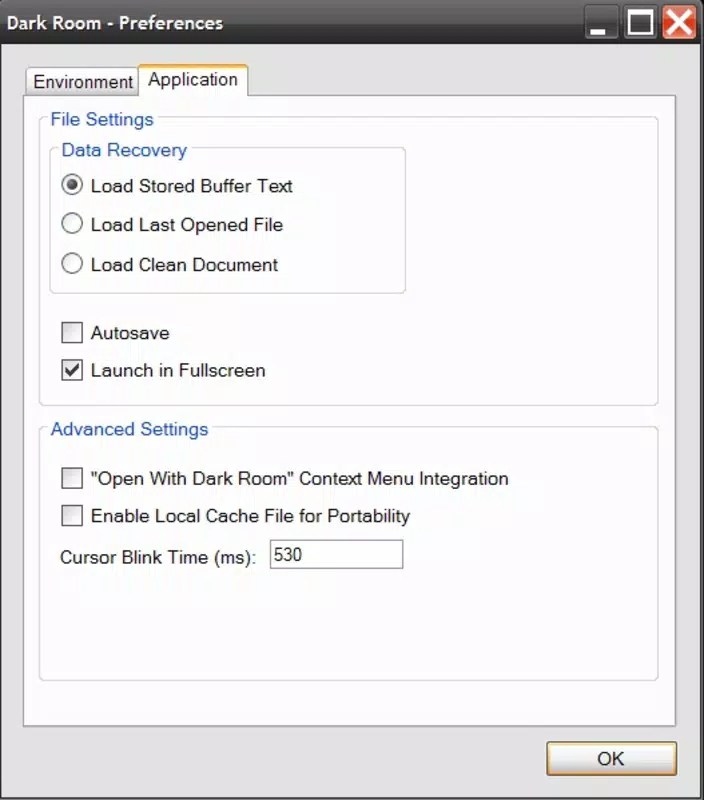
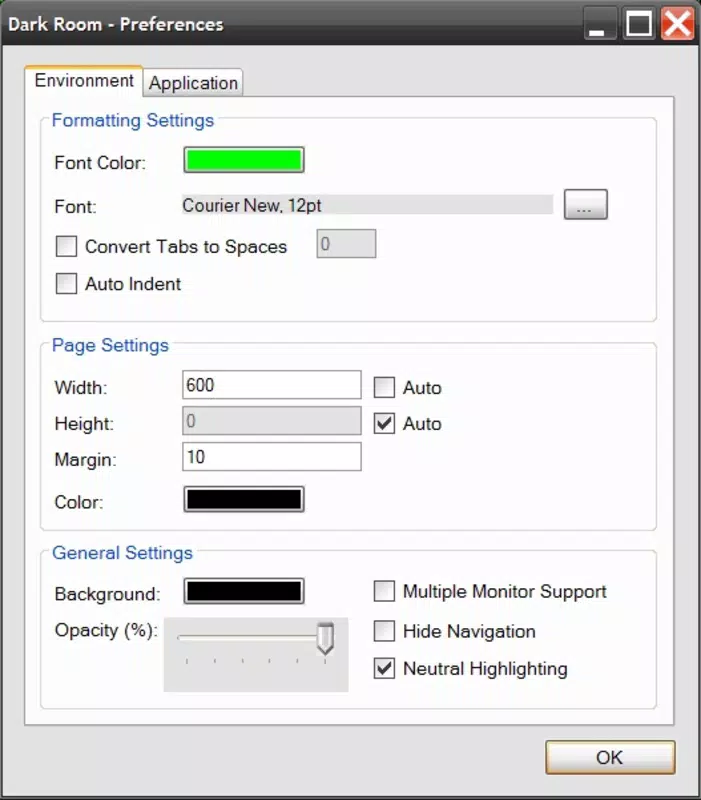
- No customization options beyond timer duration and audio playback
- Compatibility with specific devices or OS versions was not disclosed
FAQ
Is Dark Room safe to use on my Android device?
Yes, the app is free from ads and in-app purchases. Since it does not require internet access or sensitive permissions, it is considered secure for general use.
Can I use Dark Room without an internet connection?
Yes, the app functions entirely offline. No network access is required for core functionality.
Does Dark Room support iOS devices?
Currently, the app is only available on Android. There is no official iOS version released.
How do I start a focus session?
Open the app and begin your session immediately. A timer can be set within the app to define the duration of your focus or meditation period.
Can I customize the background audio?
Yes, you can play ambient sounds or guided meditations from external audio sources. The app does not include built-in audio but supports playback from other apps.
Final Thoughts
Dark Room stands out as a quiet yet powerful tool in the productivity and mindfulness space. Its stripped-down design is not a limitation—it’s a deliberate feature that fosters presence, focus, and mental clarity. For users overwhelmed by digital noise, this app offers a rare digital sanctuary. It’s ideal for students, professionals, and anyone seeking a moment of stillness in a chaotic world.
While the app lacks advanced features or customization, its simplicity is its strength. It doesn’t try to do everything—it does one thing exceptionally well: create a space for calm. With a free price point, minimal system requirements, and no privacy concerns, Dark Room delivers real value with minimal friction.
Download Dark Room now


